Welcome to: Fujian Wiwo Electronic Technology Co., Ltd.
Language:
 |
|

|
|

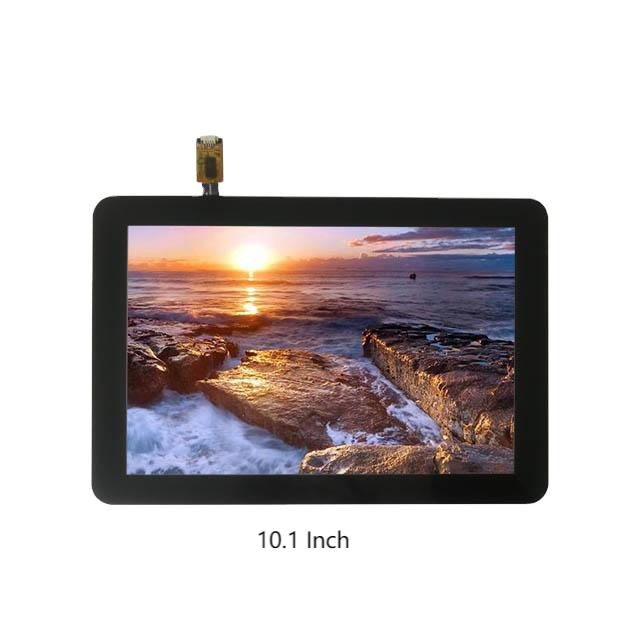
The energy consumption level of touch screen is influenced by multiple factors, including their type, physical dimensions, refresh rate, and operating environment.
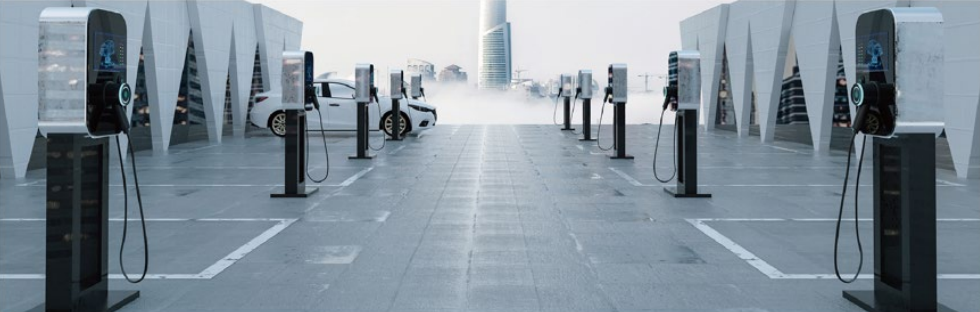
The touch screen used in outdoor charging stations is a technology-intensive product. It must deliver a stable, secure, and seamless user experience even under harsh environmental conditions—exposed to wind, sun, rain, freezing winters, and scorching summers.
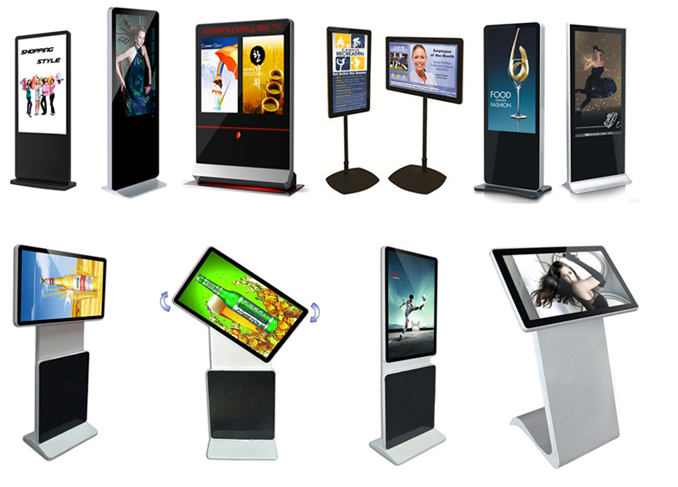
The integration of outdoor billboards with large-format touchscreens harnesses the flexibility and interactivity of digital media, creating more efficient communication channels for brands while infusing urban spaces with heightened technological vitality.
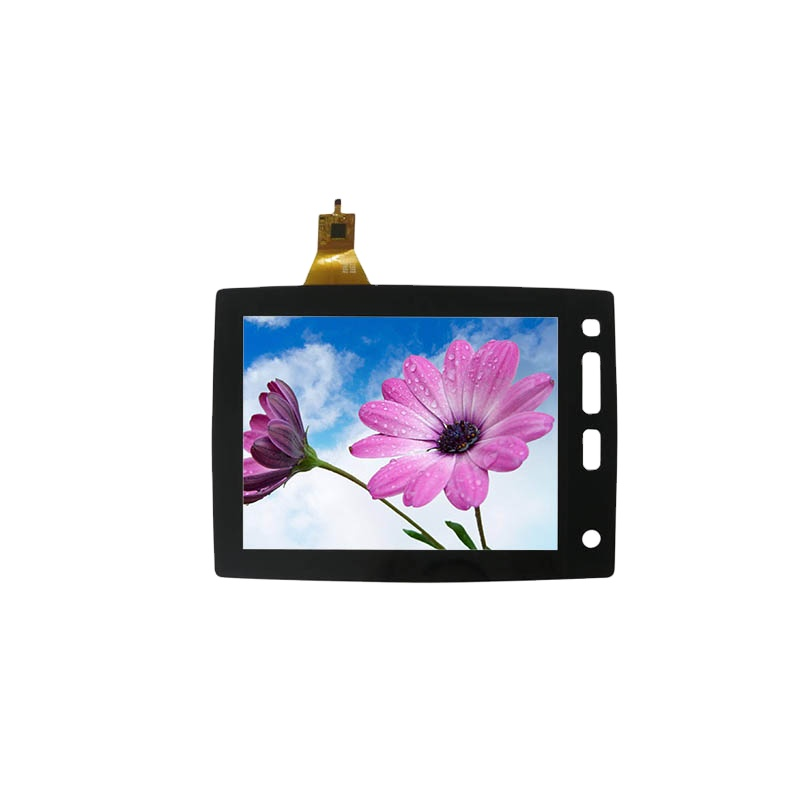
Electrostatic interference can not only reduce the accuracy and responsiveness of touchscreen operations but also cause false triggers, disrupting normal device usage.
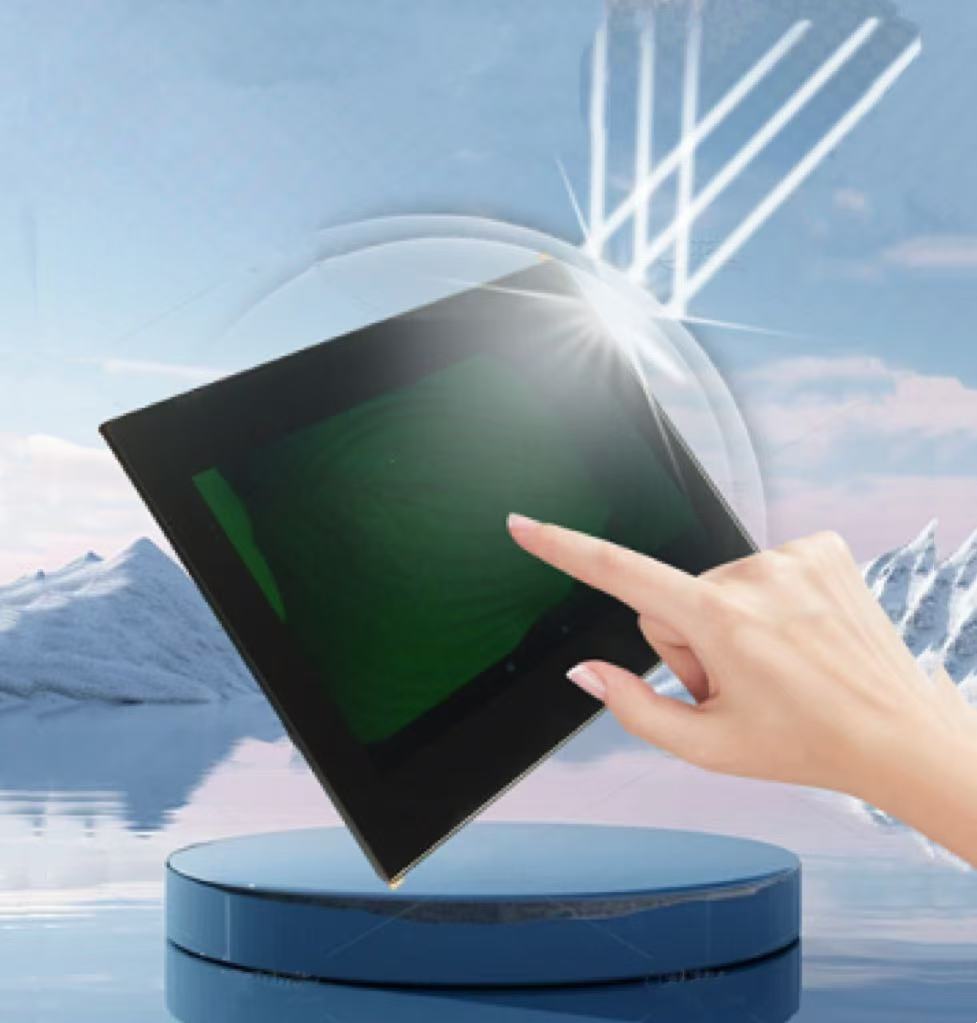
Outdoor environments are complex and ever-changing, and touchscreens used outdoors must first confront the numerous challenges posed by natural conditions.
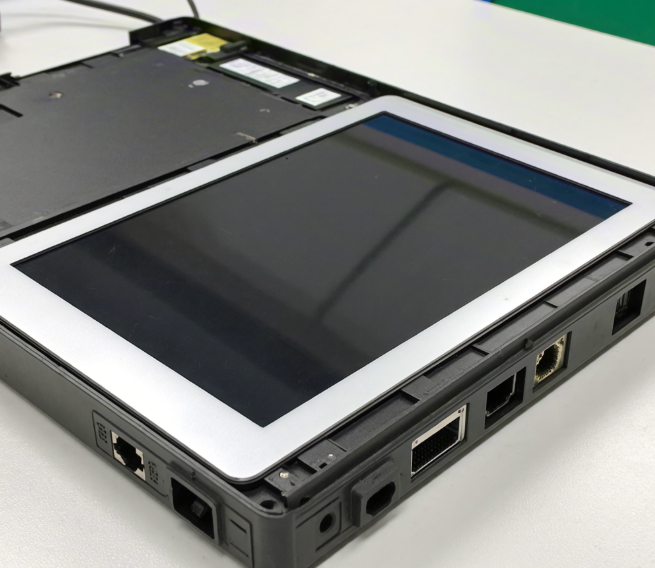
The assembly of touch screen is a task requiring meticulous consideration and strict execution. Proper assembly ensures the touchscreen functions reliably in a stable environment and delivers an exceptional user experience.
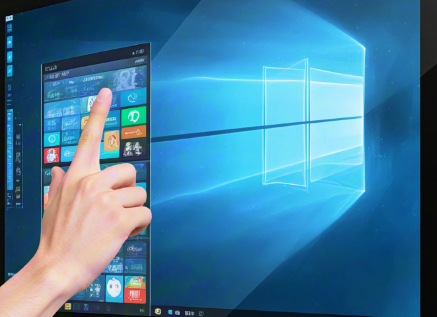
Properly installing the touch screen driver is a crucial step to ensure the device functions correctly. This article will provide a detailed guide on installing the touchscreen driver, helping users easily resolve any issues with the installation process.
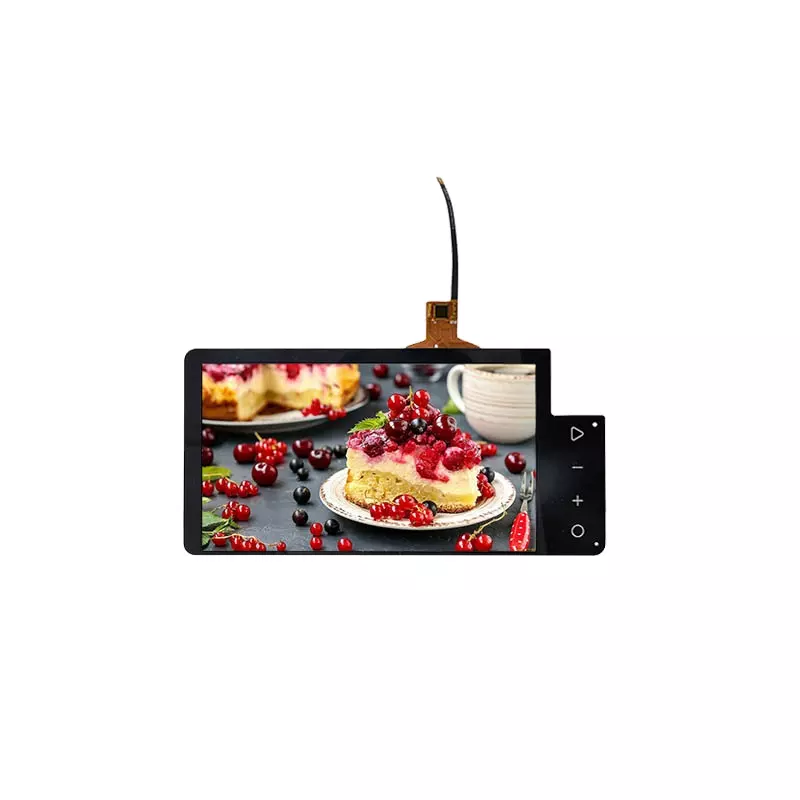
Firmware upgrades for touchscreens are a critical component of device maintenance, enabling the repair of security vulnerabilities; optimizing system performance to enhance operational efficiency; and improving software-hardware compatibility to ensure stable operation.
Copyright (c) 2020-2021 Fujian Wiwo Electronic Technology Co., Ltd. 备案号:闽ICP备18007537号